Record the final score
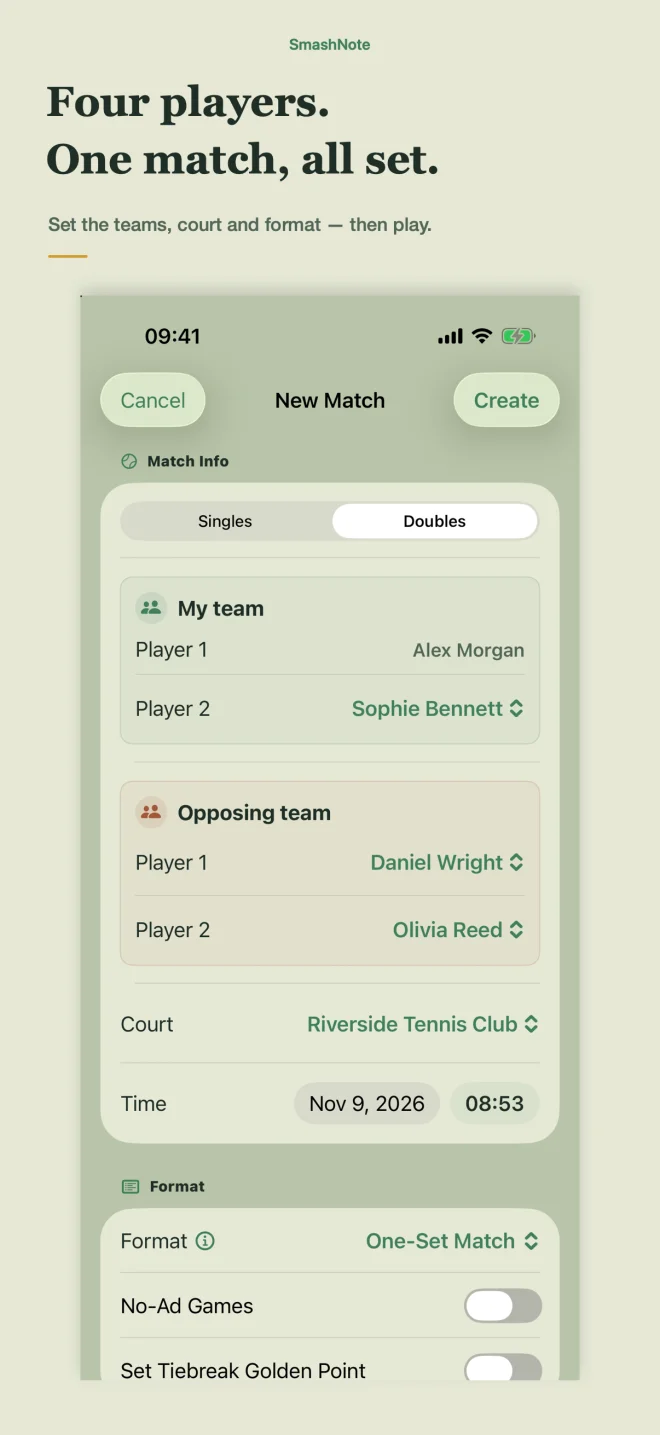
Choose a format, add players and a court, then save the result. A complete match can start with just the score.
From court to review
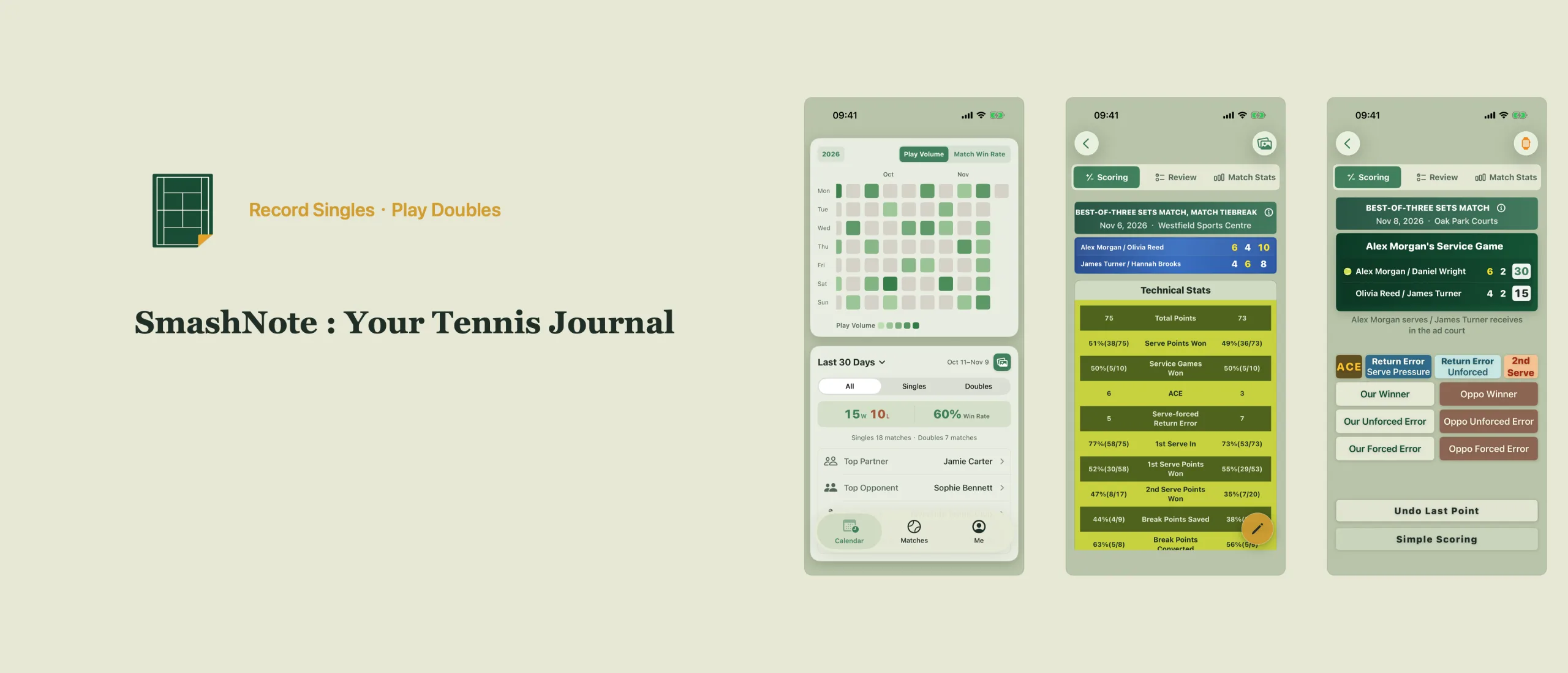
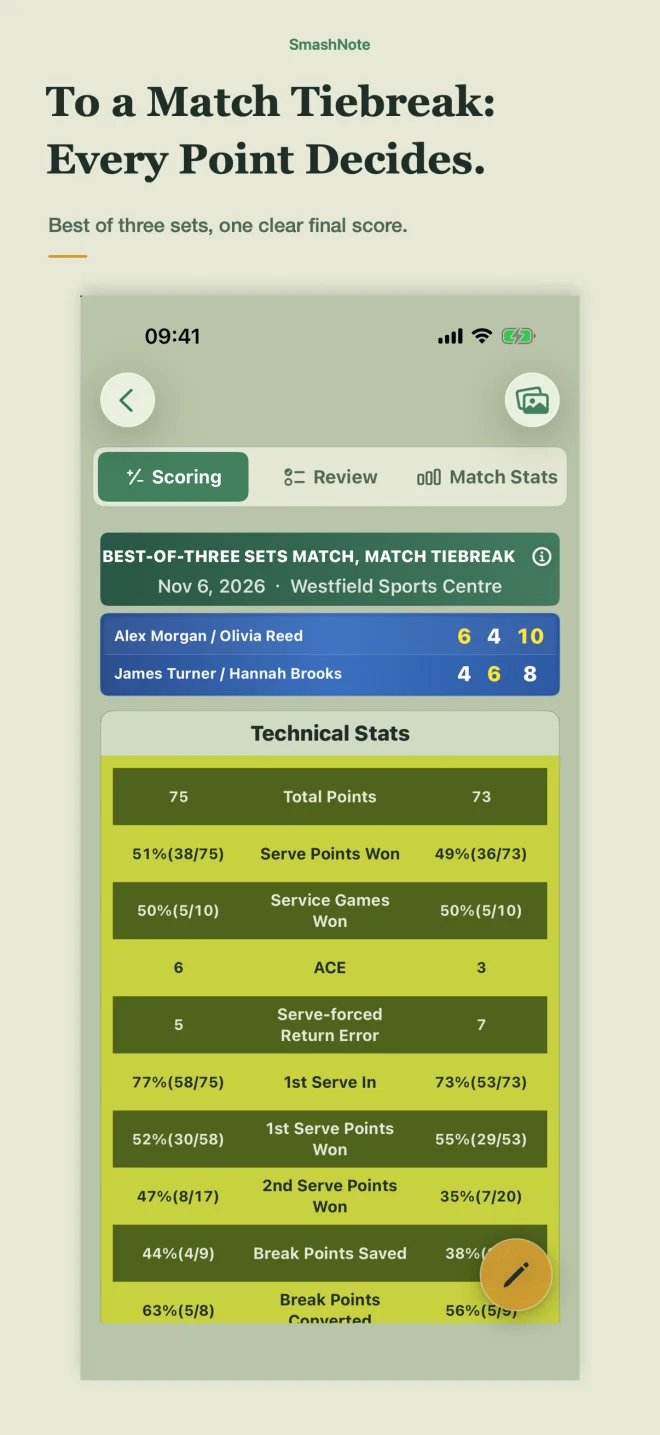
Start with the score, then record as much of each point as you want. Players, courts and post-match review build your tennis story over time.
Choose a format, add players and a court, then save the result. A complete match can start with just the score.
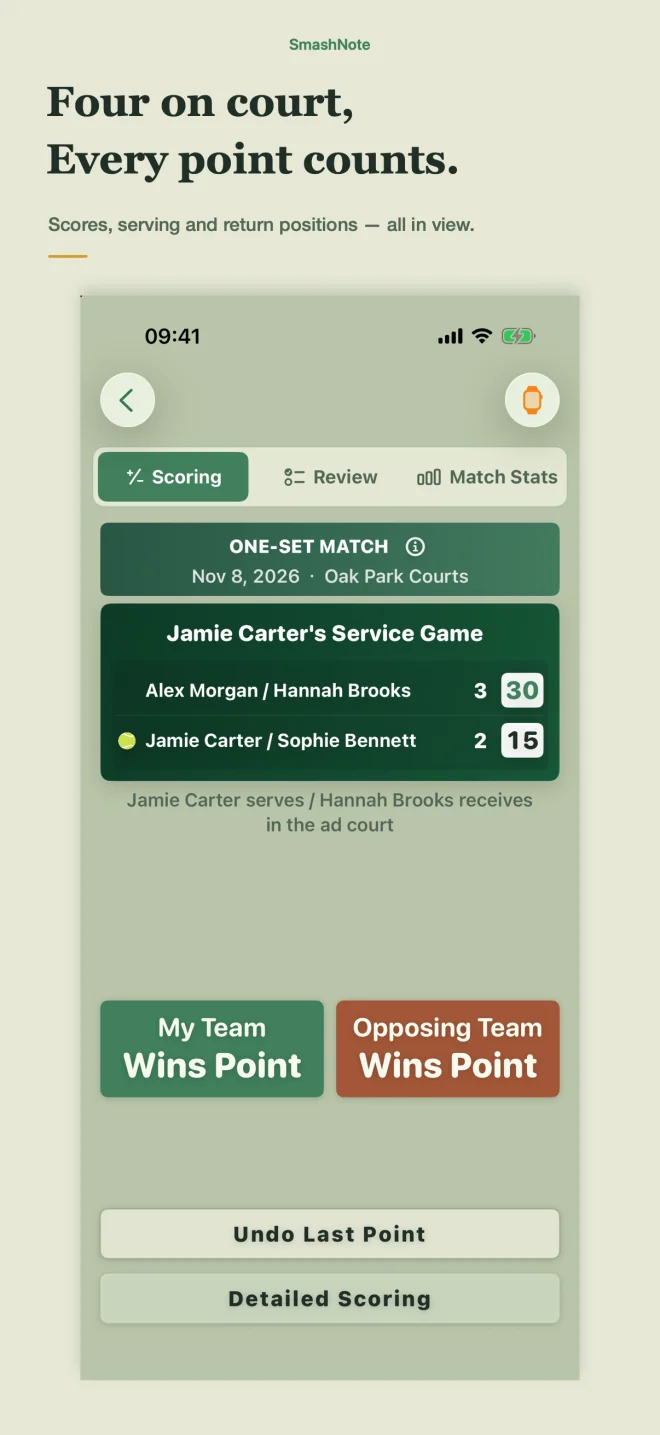
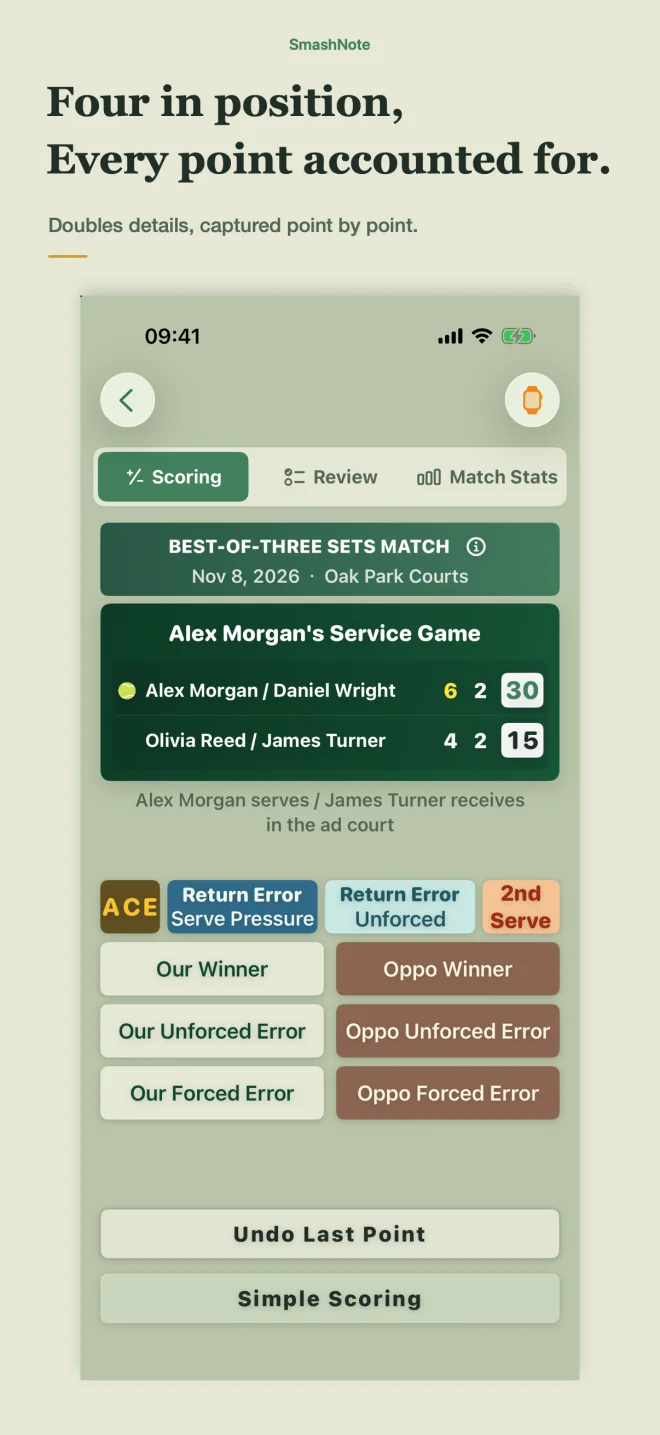
Score and undo points on iPhone or Apple Watch. For doubles, keep serving and return positions in view.
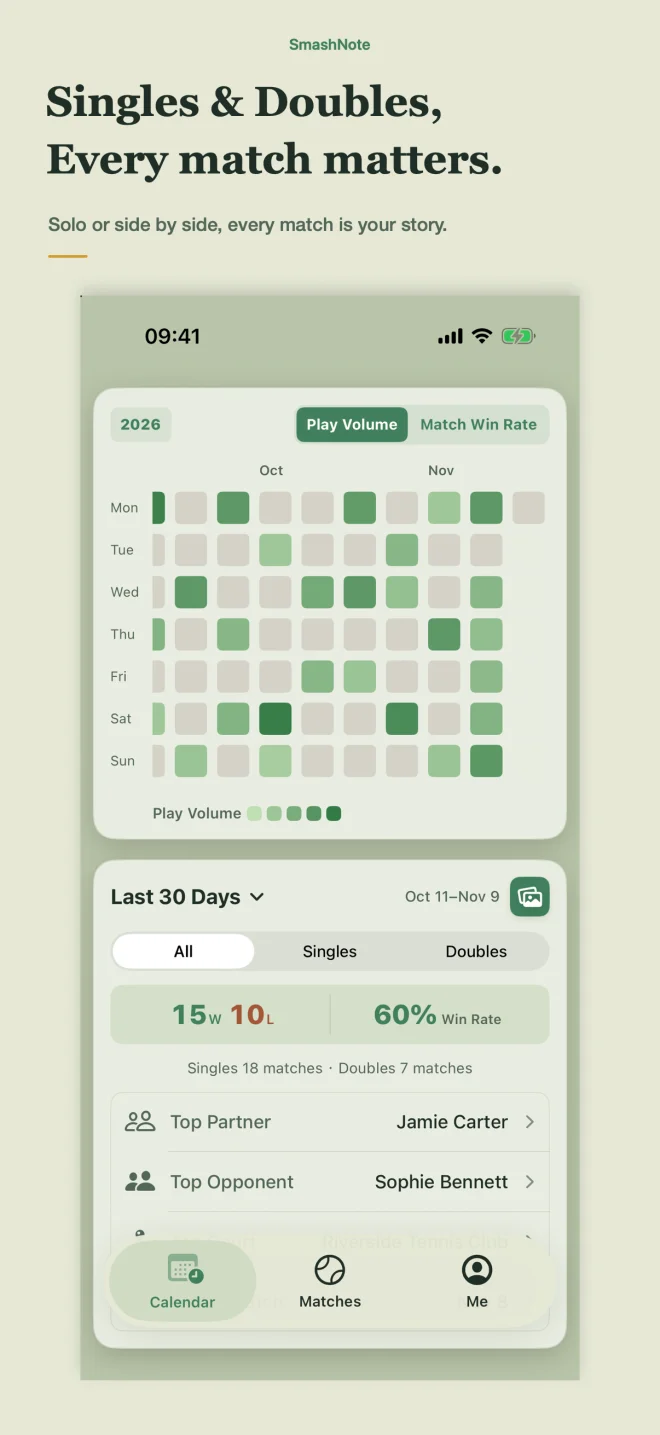
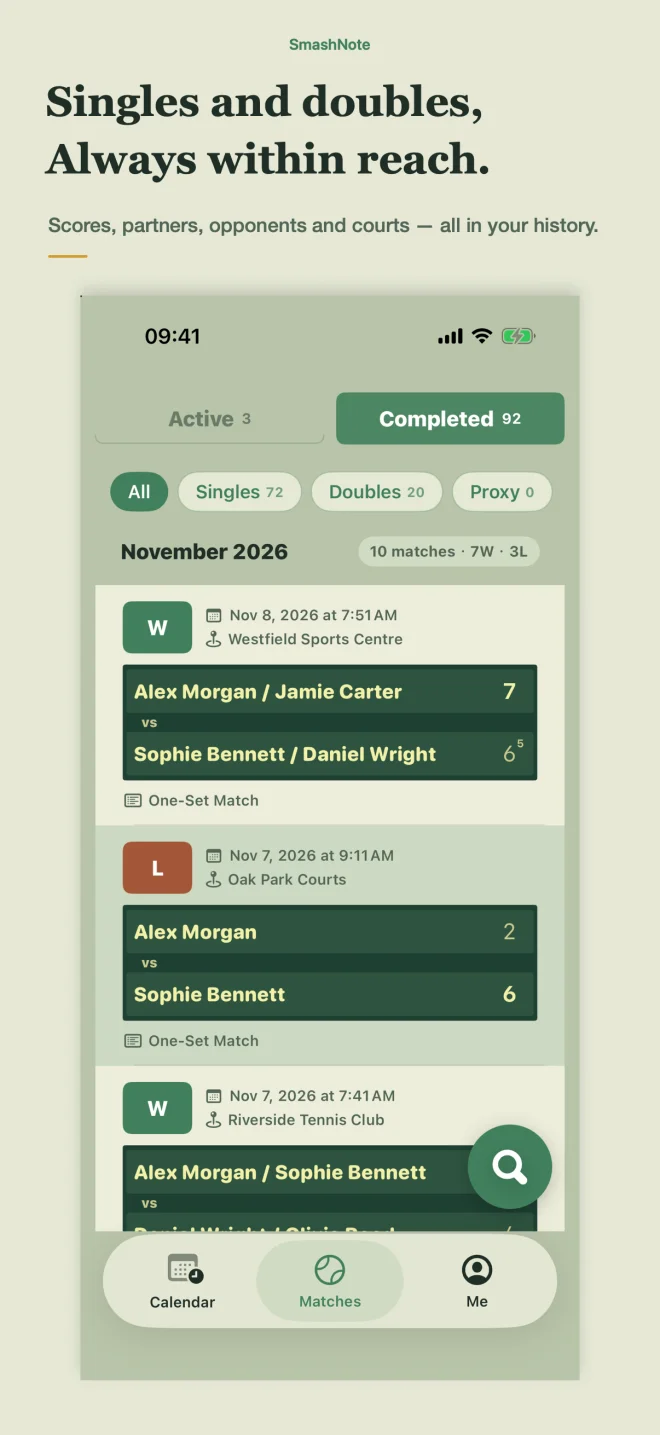
Use match history, activity and statistics to see how often you play and how your results are trending.
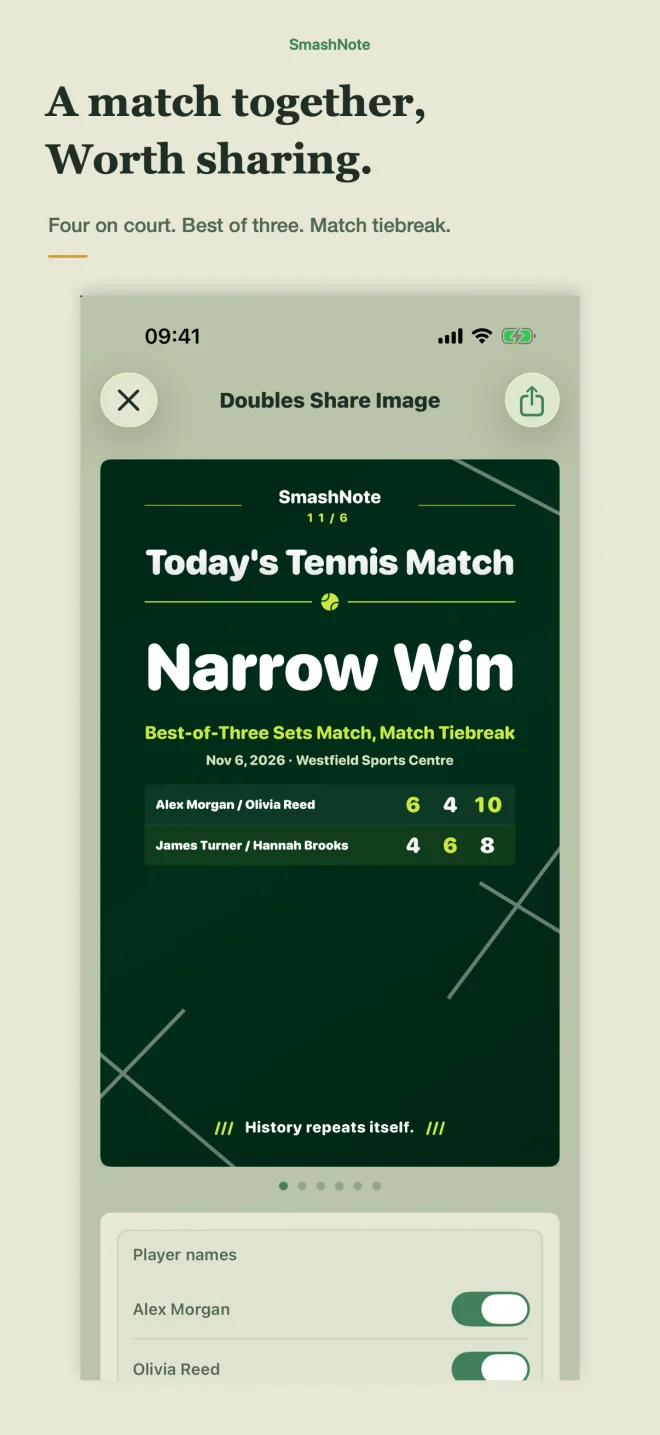
Save familiar players and courts, then create images to share a match or your personal record.
iPhone
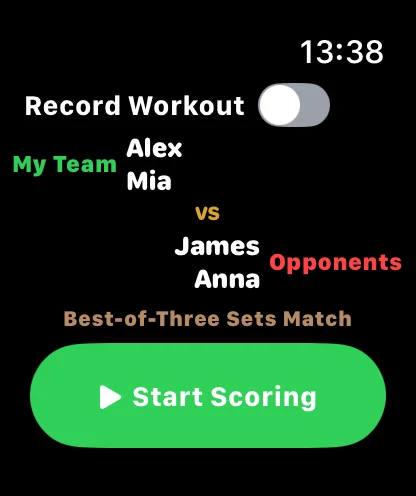
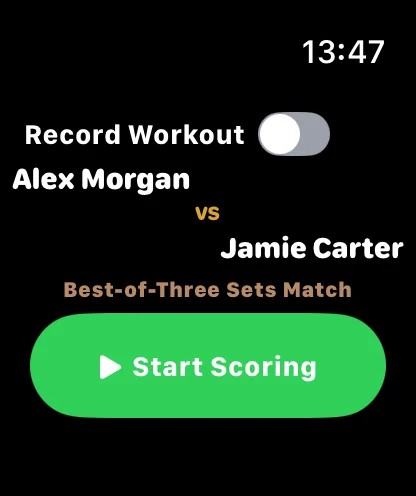
Apple Watch
Continue a singles or doubles match on Apple Watch, check serving information and record every point. Start on iPhone, then send an invitation to your paired watch.

Your record
Match records, player details and courts are primarily stored on your device. Apple Watch scoring invitations use push notifications. SmashNote has no ads or third-party tracking; see the Privacy Policy for details.